Posted: Tue Nov 25, 2008 5:53 pm
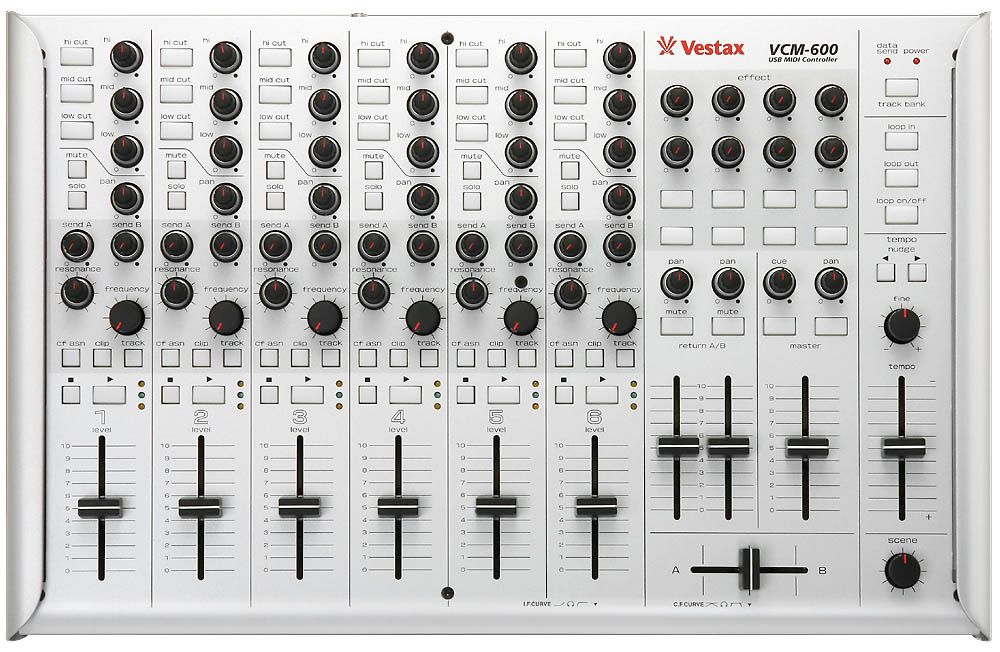
This picture is up to date, the previous one is older (changed 3 times)
On your soundcard, it's a midi controller !madhattared wrote:where is the headphone jack?

Anyone else getting these issues?Chris J wrote:bugs in 0.12
you copy a section, if you do certain actions before pasting, like pressing stop to go back to zero , or click on a marker to go at a specific position, there's no pasting, it's gone from the RAM.
and the ever popular Midi Overdub doesn't work
Happened to me also.Chris J wrote:bugs in 0.12
you copy a section, if you do certain actions before pasting, like pressing stop to go back to zero , or click on a marker to go at a specific position, there's no pasting, it's gone from the RAM.
and the ever popular Midi Overdub doesn't work
If that is not what you experience, please let me know!there´s nothing wrong with with Copy&Paste, it just functions as specified:
Before your can paste anything, the insert mark needs to be in focus.
If you click the Global Stop Button, the focus is on the transport, you can´t paste anything to the transport.
If you click a marker, you can see that the focus is not on the track anymore but on the marker.
Simply click into track display to place the insert mark, you´ll be able to paste anywhere. Nothing is lost in the RAM.
Best regards,
Jörg
That is not what I experience.[dfi] wrote:If that is not what you experience, please let me know!
It may be hard to believe but that happens because .12 solved a bug with Live's Sync Slave behavior. Before .12 Live rounded incoming Sync Clock tempo roughly to full integer values and used that both for external plugins and it's own clip playback (at least with Warp enabled clips). It's good to have that bug removed, because it led to problems when the Master tempo shifted only slightly (ran at some non-integer tempo for a short time) and thus the Master and Slave could run out of Sync after some time.siddhu wrote:I've noted some really wild tempo fluctuations with Live in Slave mode with this release that did not happen in 7.010.
...
Switching both machines back to 7.010 stabilised and solved the problems.

Crash wrote:It may be hard to believe but that happens because .12 solved a bug with Live's Sync Slave behavior. Before .12 Live rounded incoming Sync Clock tempo roughly to full integer values and used that both for external plugins and it's own clip playback (at least with Warp enabled clips). It's good to have that bug removed, because it led to problems when the Master tempo shifted only slightly (ran at some non-integer tempo for a short time) and thus the Master and Slave could run out of Sync after some time.siddhu wrote:I've noted some really wild tempo fluctuations with Live in Slave mode with this release that did not happen in 7.010.
...
Switching both machines back to 7.010 stabilised and solved the problems.
The problem with .12 is that it's Sync Slave tempo calculation is so unbelieveably lousy that you can hardly use it anymore. Ableton knows about it and hopefully fixes it with the next update ASAP. Unfortunately they didn't care to publish that known flaw in their changelog or non-existant release notes. So you had to fall into that pit and climb out yourself only because there was no sign. Sorry.
The following screenshot demonstrates a comparison between Kore + Kontakt vs. Live + Kontakt running as Slaves from the very same Master Clock at supposely 333 bpm:
yes.siddhu wrote:I've noted some really wild tempo fluctuations with Live in Slave mode with this release that did not happen in 7.010.
The slave computer was constantly jumping +/- about 2 BPM's when synching from a master.
Chain was Master > USB Midi Interface > Cable > USB Midi Interface > Slave
Both computers were running 7.012.
7.012 went absolutely crazy when midi synching over ethernet.
Tempos jumping to 800 BPM then dropping to 50. Basically it was as if it was generating/receiving totally random numbers for the BPM.
The transport controls displayed the same behavior.
Switching both machines back to 7.010 stabilised and solved the problems.
Normal USB midi chain works without any fluctuations, and the ethernet midi synch works.