ok
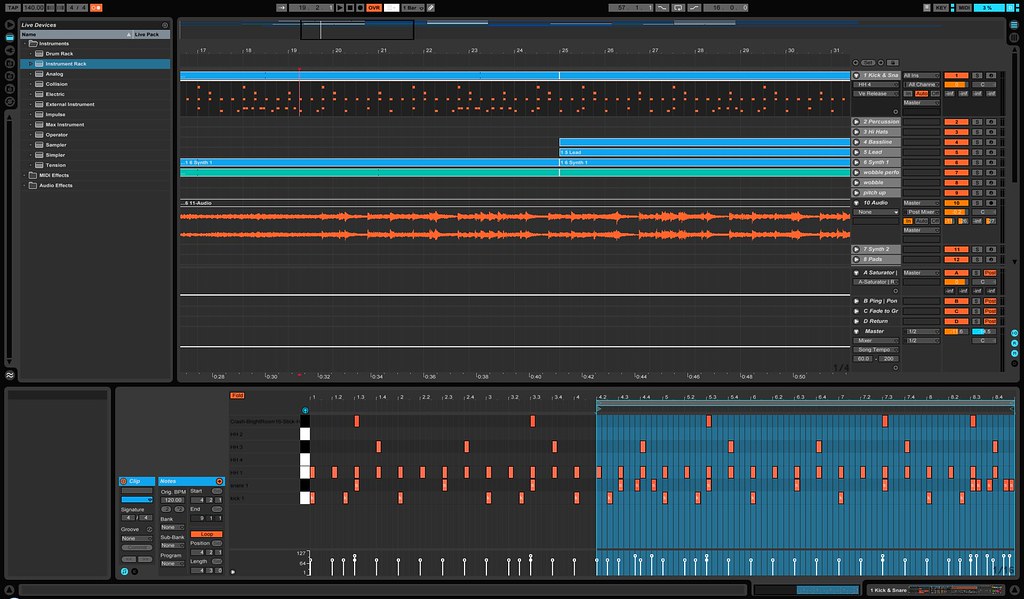
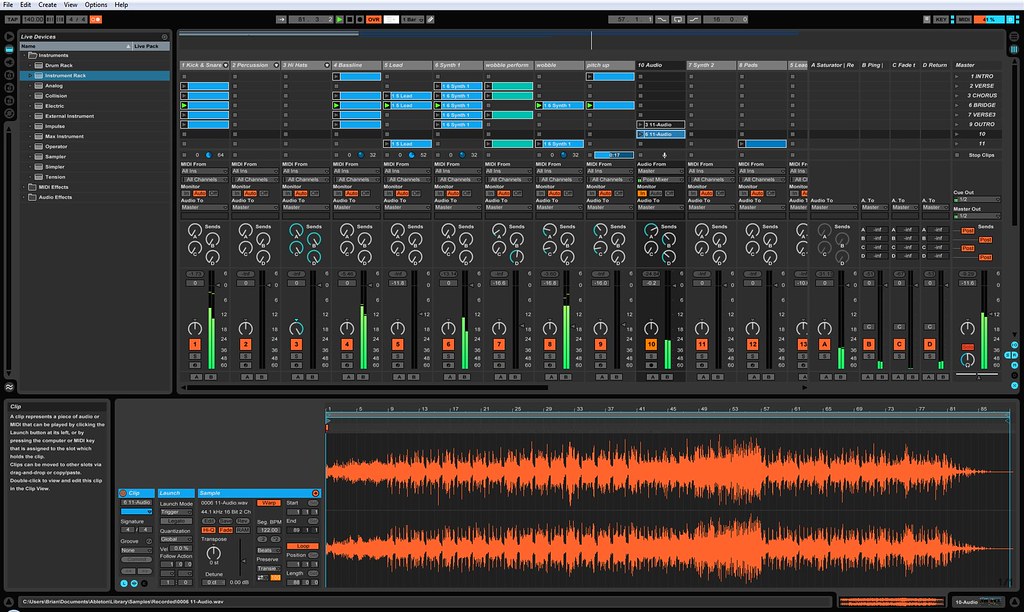
the drums track has a mega rack on it
the first "device" is a rack with 20 slots, each maped to a note, with the mute of those slots maped to my APC
then there is a drum rack that sends the MIDI to different notes (this is just so i have names in my editors instead oc notes)
in this drum rack there is the "input subrack" which is a 4 slot rack with each an external fx using inly the return for kick, snare, everything else from the esx (hats, crashes, ets) and the ER1 (those 4 have their levels mapped to the main rack macros)
on the ER1 chain there is a subrack containing livecut with a dry wet mapped to macro 1 of the main rack
i also built myself a "send" rack to allow me to send only the ER1 to my main send fx
there is also a gate on the (rest of drums) input as the ESX tubes are noisy as hell
tx, mks, dx, nord and vocoder all have a similar rack with external instrument, lo/hi cut and a max4live device to allow macro to send CC to the said external instrument (porta, level, mod, etc, depneding on what the synth understands)
the tx and mks have gates as they are noisy beasts
then there is the "pumper", just basic live compressor fed by a dedicated sidechain track, with the threshold mapped to a macro in the main rack so i can "fade" from no pumping to max pumping delicately (it's also maped to a button on the APC(the record enable buttons) for fast(and especially) simutaneous switching)
the 2 "sampler" tracks have each a livecut rack (like the drums, with a dry slot and a crossfading chain selection between dry and livecut), a pumper rack and an EQ3 with hi and lo cut with sweepable frequency
the kaossilator track pretty much the same type of rack as the instruments with another custom M4L device to control the MIDI Mixer 7 submixer that receives the kaossilator, ipod and other "not essential to be on a dedicated rack" things
every midi track has a special M4L device that cuts the MIDI and at the same time sends a note off, because muting(on/off) the track cuts the sound and thus any sustain tail, so not usable, and if i just cut the midi flow without sending a note off there might be hanging notes
i use the apc 50/50 as a remote and a force mapped midi controller
the faders and grid are mobile but the track stop,solo, rec and on butons are force mapped
track stops are main drum on/off
1- kick
2- snare 1
3- snare 2
4- claps
5- closed hat 1
6- open hat 1
7- perc
8- open/closed noise hats
the on buttons on every track but the drum controls the special midi mute devices, on the drums it's a chain selector on the mutes rack that effectively mutes all the esx but the crash but let the ER1 pass thru
the solo buttons are on/off for the ER1 sounds
the record enable buttons control the pumper on every track but the drum
i forced mapped the master to the kp3 return and the cross fader to the kaossilator track
i forced mapped the record button to select the kaossilator track to access individual MM7s input via macros (and also fx sends via a special internal send rack+utilities tracks like in the drum/er1 rack)
the 3 sends banks are mobile but i forced mapped the pan ones to the NORD send, tho it might disappear as i dont really use the nord as an fx as i thought i'd do
i also inversed the start and stop cause they have them reversed
the cue knob is force mapped to the master but i never ever touch it, it's set to -6 and stas there, but its probably usefull to have access to the master without mousing in case something happens and i need to shut it down
tap tempo is selected scene start, and the nudges are next/previous for those times when you forgot to move around with the redbox and used the mouse
the returns are regular returns except the last 3
they are special bus for the FOH
1 is the kick alone, 1 the bass alone and the other is a stereo mix minus kick and bass (it's a work in progress tho, i might opt for stereo drums, mono kick, mono bass and stereo mix without drums and bass, i think that will depend on the venue (i also have a stereo full mix out on the master for recording/my earphones
for now the bass and kick are pre but it might go post
that's about it, i'm pretty sure it's impossible to understand as i explain pretty badly