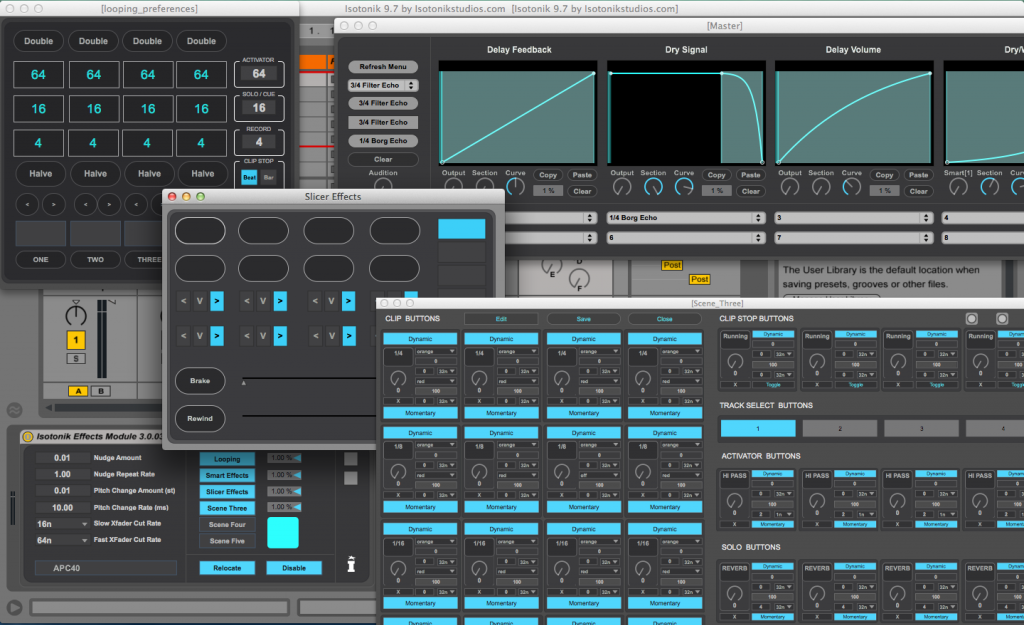
Isotonik NINE.SEVEN...
Locked away in the basement to film the first in a series of videos demonstrating the features of Isotonik. . .
48 Hours later and not one minute of filming done...
Our challenge has always been to make the experience of using Isotonik as enjoyable as possible, this includes setting up the template. . .
So now our initialisation process is very clear, open the template and watch the APC40 for the countdown!
We've also added a few new features as well. . .
1, Transform Buttons - These move Lives crossfader using the transport buttons, disabled by default but brought back to standard functionality with Shift held down, the rate of how quickly Lives crossfader moves to the left centre and right positions and back to the APC40's crossfader position is determined by the Master Volume Fader. . .
2, Select without Launch - Hold down the Stop All Clips button and choose a clip launch button and you'll bring that clip into view without launching it. You'll need to hold down Shift and the Stop All Clips button to Stop all the clips!
3, Smart Effects - the bottom right button of Scene Two is lit to send the audio through the chosen Smart Effect, when unlit it'll send the audio signal through dry enabling you to use the Smart Effect to create a build and then switch the audio back to dry and allow the build to fade away gradually. . .
All subscribers have been sent an automatic download link... If you'd like to one of them next time then
http://www.payloadz.com/go/?id=1494187