Page 1 of 1
Dual Display Set Up
Posted: Sun Jan 16, 2011 4:58 pm
by grooverb
I got 2 display monitors hooked up to my PC.
I've figured out how you can just spread ableton across both displays, but is there anyway you can rearrange ableton's layout so it works a little better on 2 monitors?
I've tried grabbing and dragging the different sections and searched the Manual to no avail.
As long as it doesn't involve an angle grinder, 2 tortoises and a glove puppet of David Cameron, I'll give it a go

Re: Dual Display Set Up
Posted: Mon Jan 17, 2011 5:54 am
by ARDJ
no, ableton is a single unit display
Re: Dual Display Set Up
Posted: Mon Jan 17, 2011 8:35 am
by grooverb
pants

there should be a law against it, I'm going to talk to my MP, someone get the queen on the phone...
Re: Dual Display Set Up
Posted: Mon Jan 17, 2011 11:55 am
by globalgoon
two monitors are useful if you use vsts. Make sure 'auto hide vst windows' is set in the preferences and move your vsts to the new monitor
Re: Dual Display Set Up
Posted: Tue Jan 25, 2011 8:54 pm
by grooverb
cheers
that's very handy to know.
I mailed the tech guys and apparently, dual dispaly/customizing the view is on the to do list, but not sure when it'll appear. Fingers crossed
Re: Dual Display Set Up
Posted: Wed Jan 26, 2011 1:16 am
by jamief
grooverb wrote:cheers
that's very handy to know.
I mailed the tech guys and apparently, dual dispaly/customizing the view is on the to do list, but not sure when it'll appear. Fingers crossed
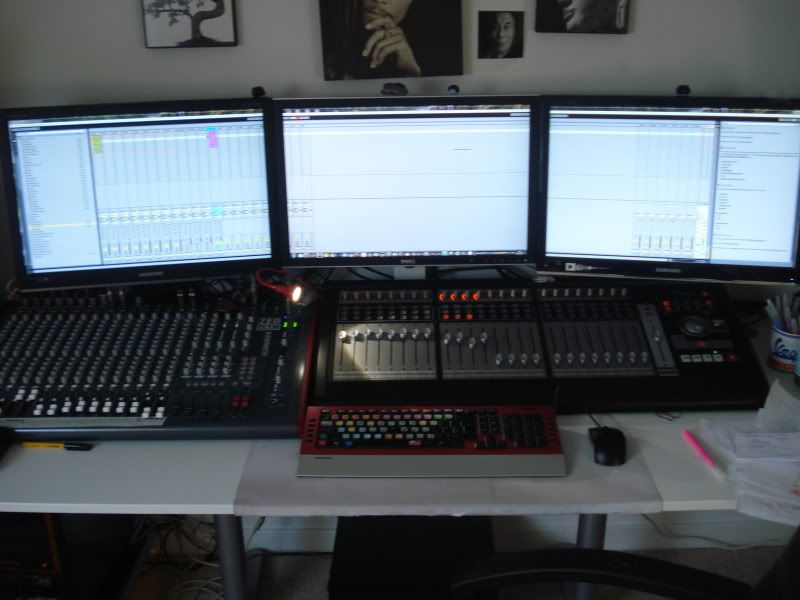
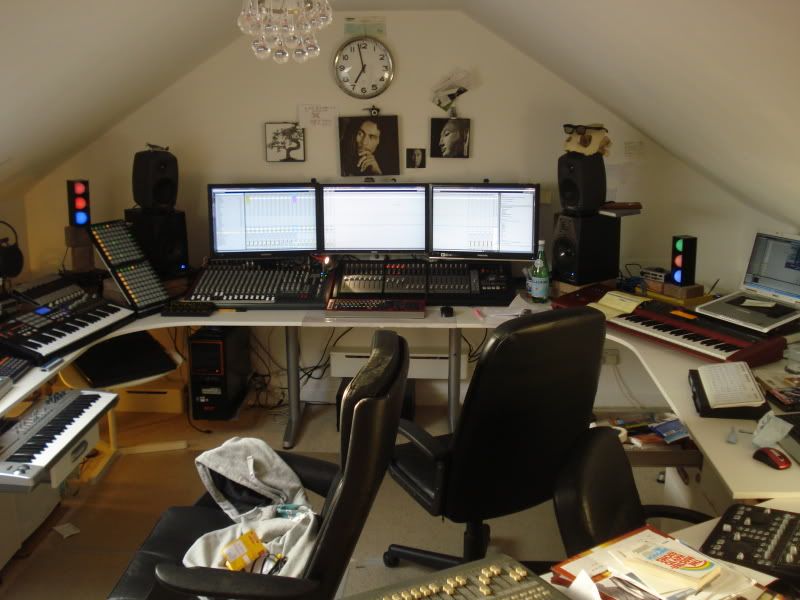
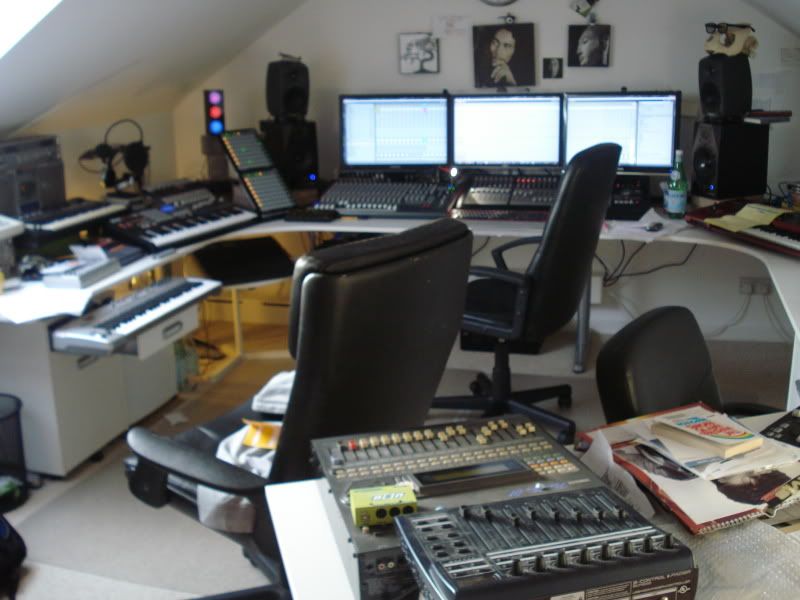
On this picture ableton was stretched across the 3 monitors. Works well for big long arrangments
just swaped these 3 x 24 inch for 2 40 inch lcd insteda havent got a pic yet

Re: Dual Display Set Up
Posted: Wed Jan 26, 2011 5:30 am
by ARDJ
right, i'd rather have less of a display and a more accurate stereo image... ^
Re: Dual Display Set Up
Posted: Mon Jan 31, 2011 6:47 pm
by grooverb
jamief wrote:
On this picture ableton was stretched across the 3 monitors. Works well for big long arrangments
just swaped these 3 x 24 inch for 2 40 inch lcd insteda havent got a pic yet
Awesome! I can stretch it, but can't get it set up so it doesn't all look all over the place. Might help if I had another 28" monitor though. I'm using a 19" that does a 90deg rotation.
How did you get the sliders up on the left rather than down the bottom?