Ableton Forum - User style (light Grey & Big text)
Posted: Mon Oct 20, 2025 4:27 pm
Hi Folks, all 8 of you who use this forum now may remember that back in 1983 I made a few themes for this forum. A hideous brown one, and a nasty dark grey. Seeing the thread about "This forum's future" and the regular mentions of changing the theme from the startling white I thought I'd share how I restyled the forum for my own use. I have some vision issues, so the fonts are huge on my re-style, and the colours are a little less glaring.
To use the style you will need a browser which can accept plug-ins, such as a desktop chrome, or Firefox (which is what I use)
First, here's how the skin looks.
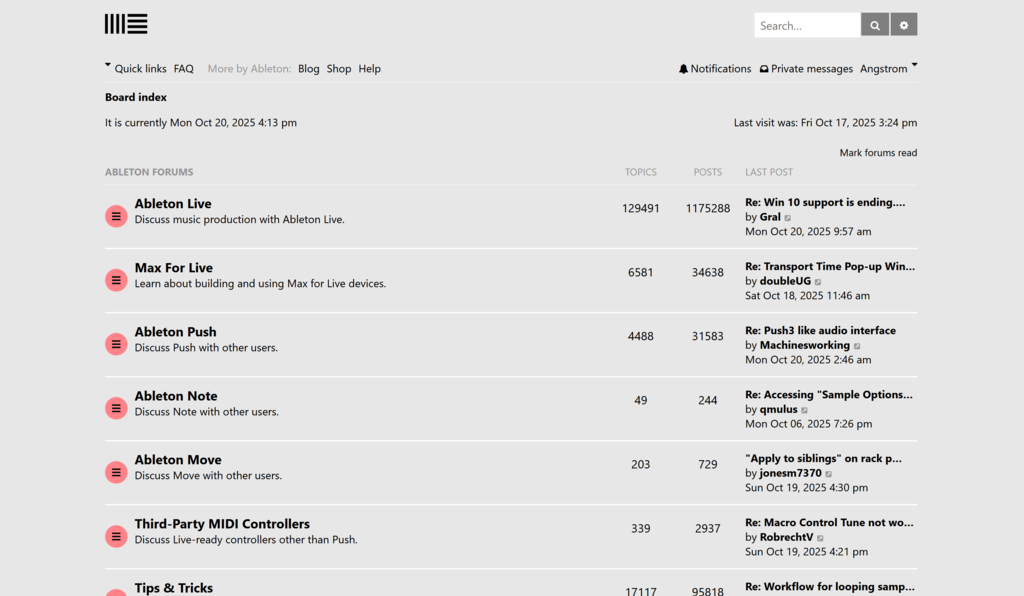
-
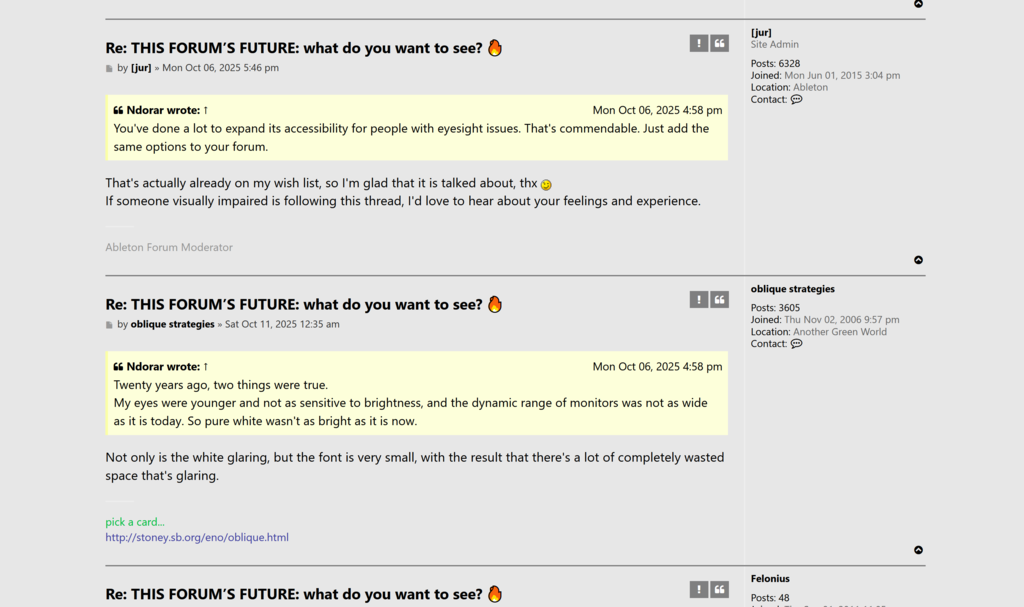
-
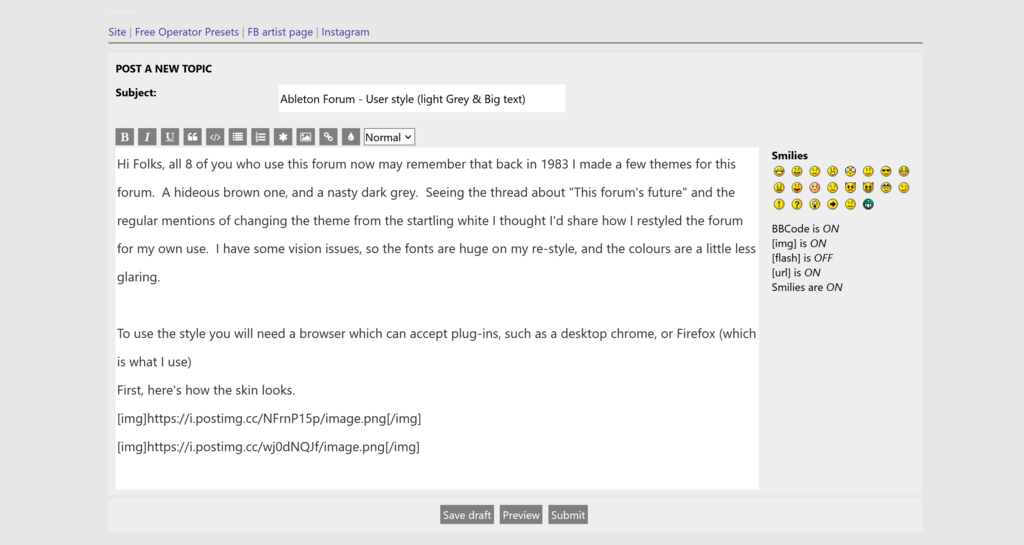
Now, how to use the skin, I use the plugin: Stylus
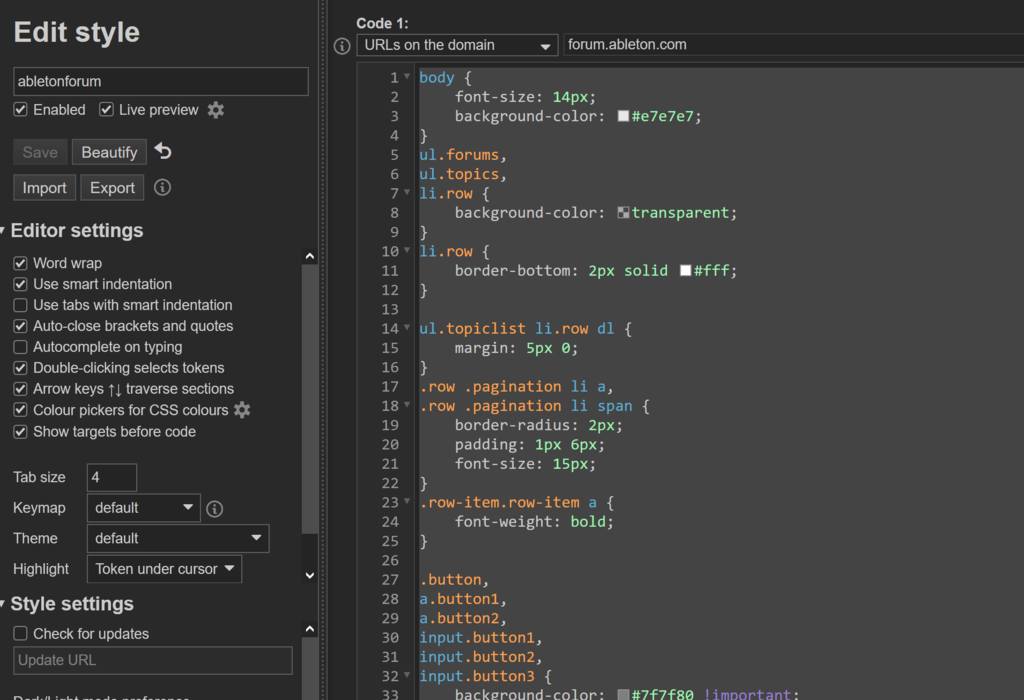
Create a new style called "ableton forum" and paste this style in there.
make it active on urls matching forum.ableton.com, like this
To use the style you will need a browser which can accept plug-ins, such as a desktop chrome, or Firefox (which is what I use)
First, here's how the skin looks.
-
-
Now, how to use the skin, I use the plugin: Stylus
Create a new style called "ableton forum" and paste this style in there.
Code: Select all
body {
    font-size: 14px;
    background-color: #e7e7e7;
}
ul.forums,
ul.topics,
li.row {
    background-color: transparent;
}
li.row {
    border-bottom: 2px solid #fff;
}

ul.topiclist li.row dl {
    margin: 5px 0;
}
.row .pagination li a,
.row .pagination li span {
    border-radius: 2px;
    padding: 1px 6px;
    font-size: 15px;
}
.row-item.row-item a {
    font-weight: bold;
}

.button,
a.button1,
a.button2,
input.button1,
input.button2,
input.button3 {
    background-color: #7f7f80 !important;
    color: #fff !important;
}

.post {
    background: transparent;
    border-color: #7f7f80;
}
.action-bar {
    font-size: 14px;
}
.pagination li.active span {
    background-color: #7f7f80;
}
.pagination a.button,
.pagination li.active span,
.action-bar .button,
.search-header .button-search,
.search-header .button-search-end {
    font-size: 16px;
    padding: 5px 10px;
}
.inputbox,
.search-box .inputbox {
    font-size: 16px;
    line-height: 40px;
    display: inline-block;
    height: 35px;

    transition: 0.3s all;
    border: none;
}
.search-box .inputbox:focus,
.search-box .inputbox:hover {
    width: 250px
}
.postlink,
.postlink:focus,
.postlink:hover,
.postlink:visited {
    color: #4040A1;
}
.inputbox:focus, .inputbox:hover {
    border-color: #c6c6c6;
}
