Share your favorite Ableton Live tips, tricks, and techniques.
-
S4racen
- Posts: 5987
- Joined: Fri Aug 24, 2007 4:08 pm
- Location: Dunstable
-
Contact:
Post
by S4racen » Mon Jun 14, 2010 9:56 pm
Much of the loopers controls aren't exposed to the live.api

You can use aka.keyboard though to simulate key presses and achieve a lot though!
Cheers
D
-
bertzerk
- Posts: 67
- Joined: Fri Jan 25, 2008 9:40 pm
Post
by bertzerk » Wed Apr 20, 2011 1:30 am
this is rad...was looking for a way to do this live..
i have yet to even open looper up....
does anyone have a rack like this, or maybe explain how he made it so that it over rides the track automatically like that?
-
Theo Void
- Posts: 1023
- Joined: Wed Sep 24, 2008 3:00 am
- Location: Pittsburgh, PA
-
Contact:
Post
by Theo Void » Wed Apr 20, 2011 4:41 am
Sugar Bytes Effectrix
-
onestophits
- Posts: 3
- Joined: Tue Jul 15, 2014 3:40 am
Post
by onestophits » Thu Mar 03, 2016 12:03 am
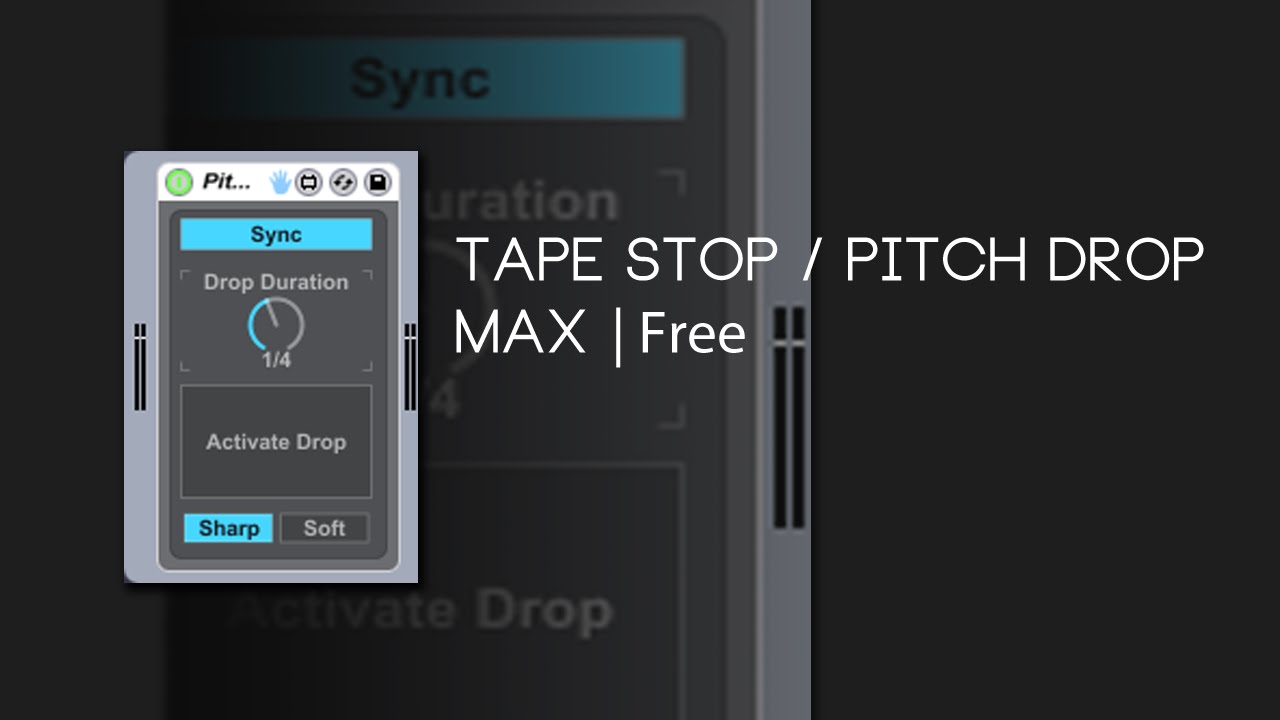
Guys I found the workaround. First of all before I say it, I still can't believe that to this day in 2016 there is still NO 3rd Party plugin that exists that can accomplish the same exact thing as what Vari-Fi can do on Protools for mac. There is a free tapestop plugin self-titled "tapestop" which will do this the best that I've seen but it only works on PC. There is also of course Gross Beat but that's an FL Studio plugin that only works on PC.
To this day there is still nothing for Mac, the closest you guys can come to it are Glitch or Effectrix.
Well peep this.... Find any instrument you want to start/stop on, hell, you can even throw it on the master. Are you ready? Frequency Shifter. I know, right?
Load up a Frequency Shifter onto whatever channel you want and select the "Fine" knob to automate it. Automate it down or up depending on for how short long you wanna do it and vuala.
-
ahskam
- Posts: 3
- Joined: Tue Dec 08, 2015 5:04 am
Post
by ahskam » Sun Apr 03, 2016 1:43 am
Using all native ableton plug-ins, couldn't you use a frequency shifter,an auto filter, and a utility grouped together?
Frequency filter
-zero out the rate and phase
-map the fine tune to macro one
-set the min to 0.00Hz and the max to -500Hz
Auto Filter( I use it to flavor)
-map frequency to macro one
-set min to 19.9kHz and the max to 3.78 kHz
Utility
-Map Gain to macro one
-set min to 0.00dB and max to -35.0dB
Hopefully thats what people are looking for if not, its still a fun rack to mess with