http://yeco.io/
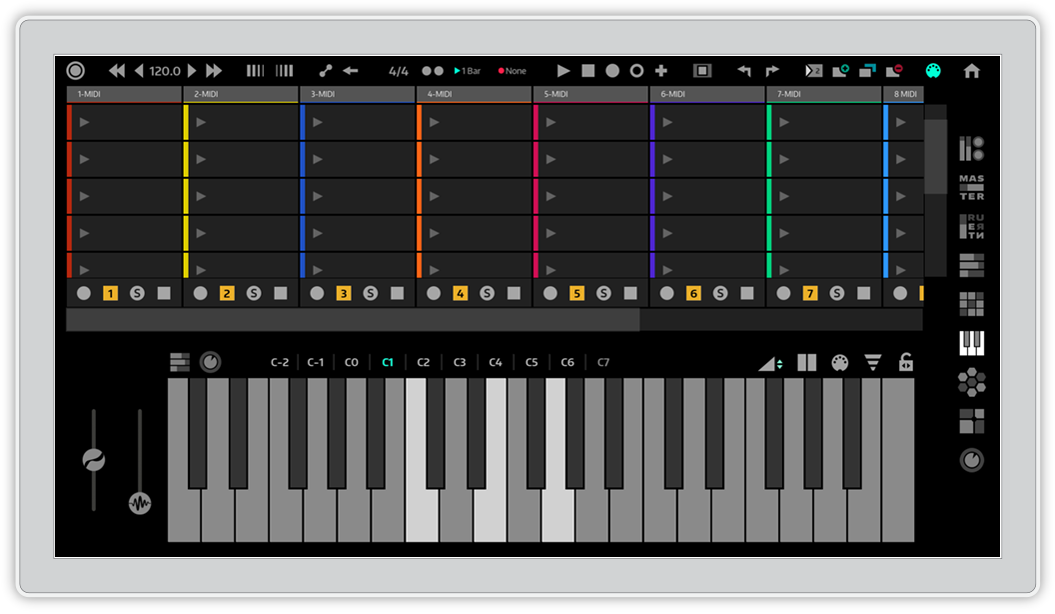
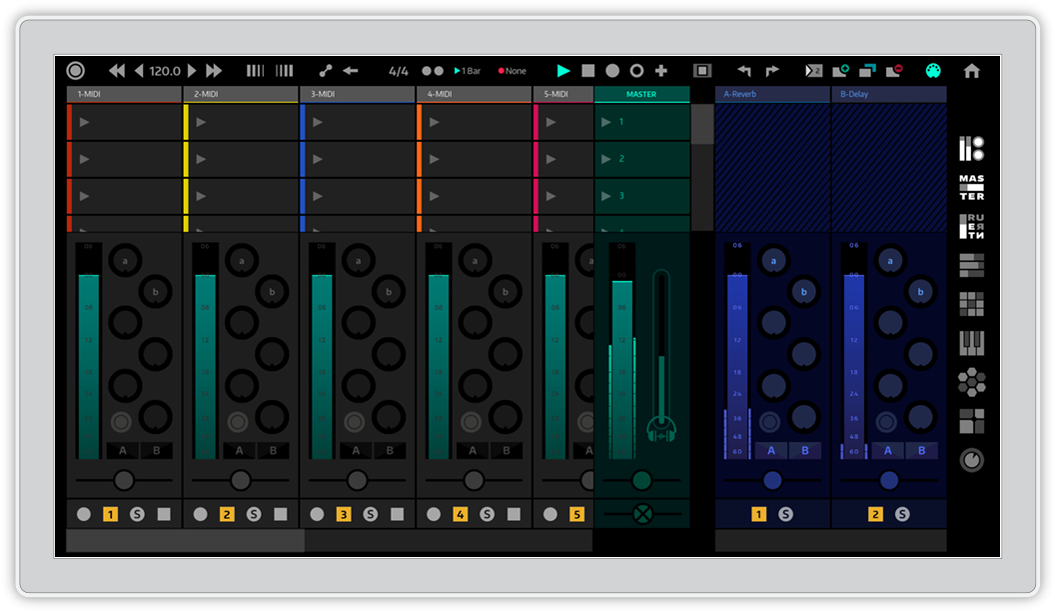
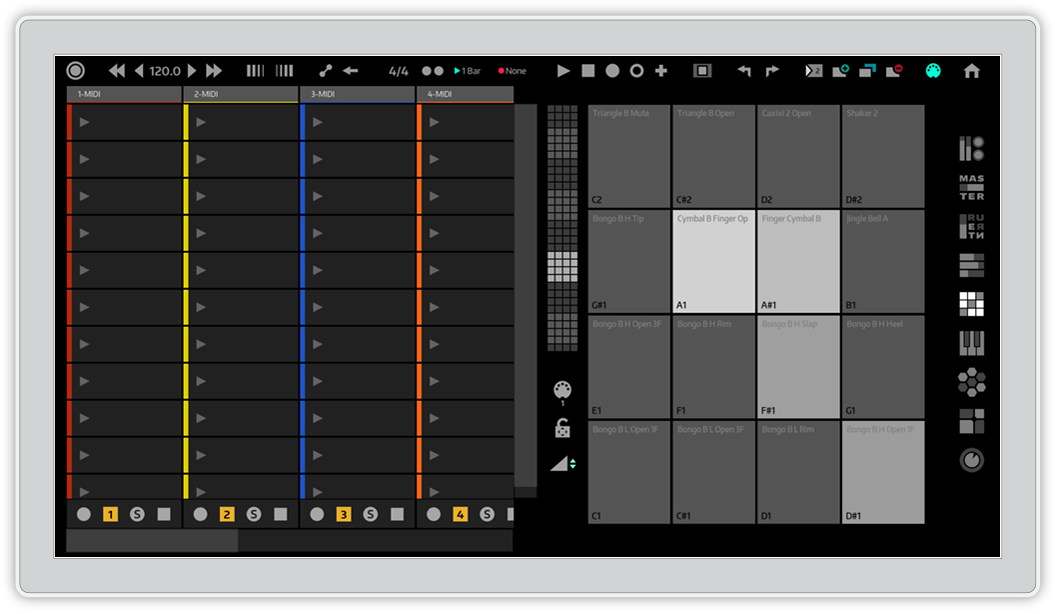
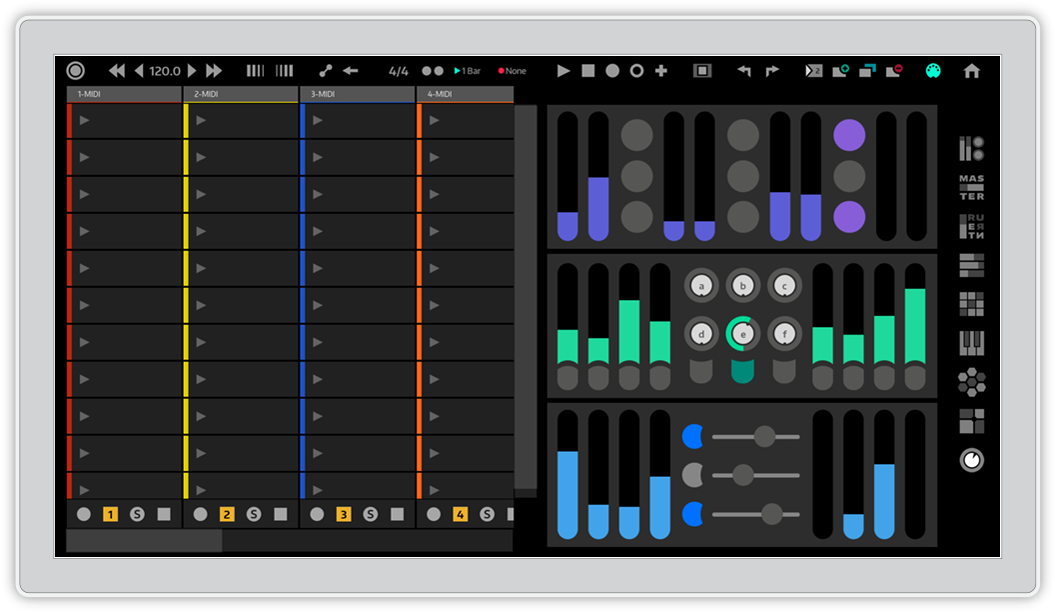

ahh, I ran into a couple of lag issues as well. Nothing terrible, but not as responsive for finger drumming as I'd hope. Also, I was looking at this application in the wrong way. I was hoping for a way to create music completely from the touch interface (like how you can with Tabletop from retronyms or iMPC PRO from akai). This is more like an Ableton Push or replacement. Which is pretty awesome if you happen to have a surface or touch screen, and a need/ want for another controller. Unfortunately, I don't have a need for it... Still dreaming of the day when I can create instrumentals on the go ONLY using a touch screen, without having to own an iPad.Buleriachk wrote:It looks promising, for sure. My trial of it is in another thread, but my issues may not apply to everyone.... or even most... )
I'm not sure it has the equivalent of "Session Overview" (one should at least be able to organize in 89x8 blocks to correspond to Push), and the colors of the pads should reflect those in Live.
I agree, Ableton should provide a version in-house for this (who knows; maybe they are working on a version. After all, they eventually did provide a tuner...
I understand as much, but the external controller in an iPad Pro still feels relevant if you don't already own, or have plans to own, a touchscreen computer. If you do, software like Yeco's or Slate's is of course highly interesting. Both do however add interface elements to the GUI of Live — I assume because not all Live GUI elements are "finger friendly" — which puts an iPad Pro at par with these if you want some flexible touch control. On the surface of it Raven looks more Live experience-like.yur2die4 wrote:This software is unrelated to external controllers. It is meant as a way to use Live on a computer that has Live and supports touch (like a Surface for instance).
An iPad is an external controller requiring either a wireless or wired connection to the computer. …
… you do still have some limitations. Their method for calling up device controls leaves you with standard sliders with names of parameters in whatever order Live spits them out in. There is no way to do editing of automation, but that is more a shortcoming of Live than anything else. Still, when people imagine 'using Live on a tablet', they hope to have the Ableton Live 'experience', and the Yeco gets frustratingly close until you realize that of course it's not the Actual Ableton Live program, yet you wouldn't be able to do in Live on a touchscreen what Yeco allows you to do naturally.