For what it's worth (in 2016!)... On Windows, Ableton will look blurry by default on high DPI screens. The way to fix that is to
- go to where Ableton is installed,
- Locate the "Program" directory,
- right click on "Ableton Live 9.exe" (or whatever depending on your edition)
- Click properties
- In "Compatibility" tab, check "disable scaling on high DPI settings"
- Run ABleton again, and voilà !
Now, you will have to bump your zoom level in Ableton settings, but this looks way sharper than before.
Eager to read what you guys find out...
Blurry version (screenshot exactly as it appears on my Windows 10, 1920x1200 screen):
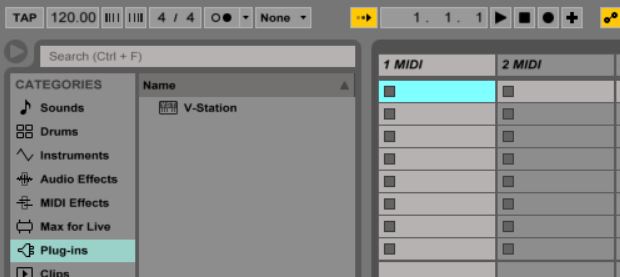 ableton.blurry
Not blurry version:
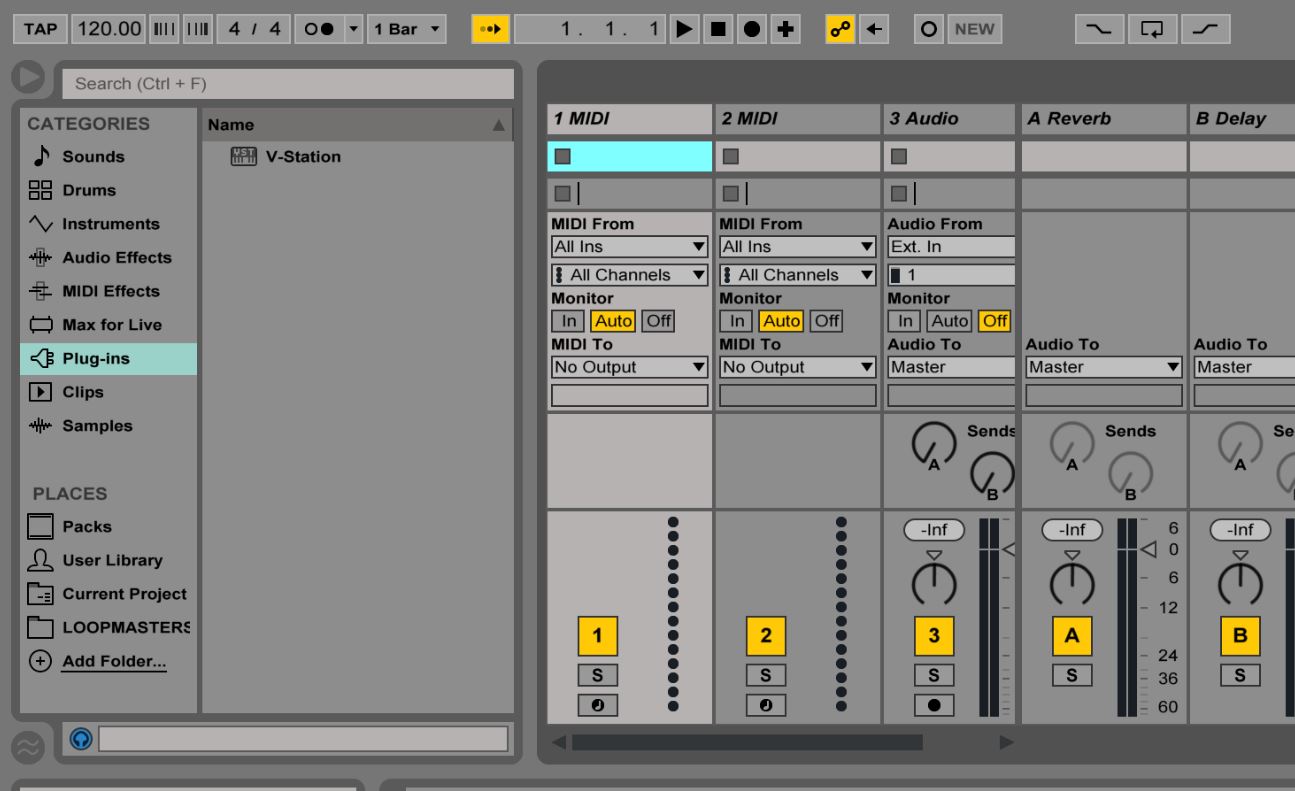 ableton.not.blurry
