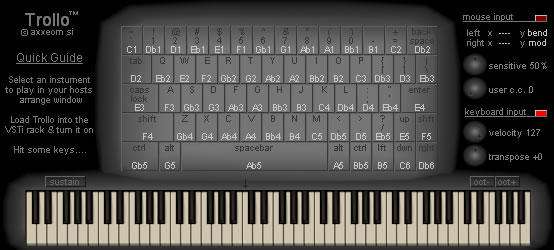
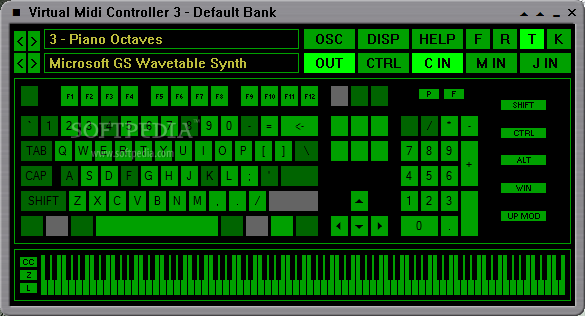
The Computer MIDI keyboard (activated with the small musical keyboard icon in the upper right part of the GUI) was a nice addition, especially for those times when you're on the road without a MIDI keyboard and inspiration strikes. However, the feature currently uses a keyboard layout with the C note mapped onto the computer keyboard key "A" instead of "Q" -- the latter being the default practice in tracking software for practically two decades now!
The standard way of mapping is: upper octave, C = "Q", C# = "2", D = "W", D# = "3" ... and so on. Lower octave: C = "Z", C# = "S", D = "X", D# = "D" ... etc.
As you can see, the main benefit of mapping the keys this way is that you can easily fit a key range of two octaves onto the computer keyboard at the same time instead of just one. Not to mention that old timers, who have in their day used trackers quite a bit, have an instinctive feel of jamming with the standard two-octave layout like an actual instrument

(If someone some day produces a velocity sensitive computer keyboard, hook me up
 )
)