I thought this could be used to quickly add a device from a collection named Favorites.
Then I thought why not on the track right-click too.
Images to better explain:
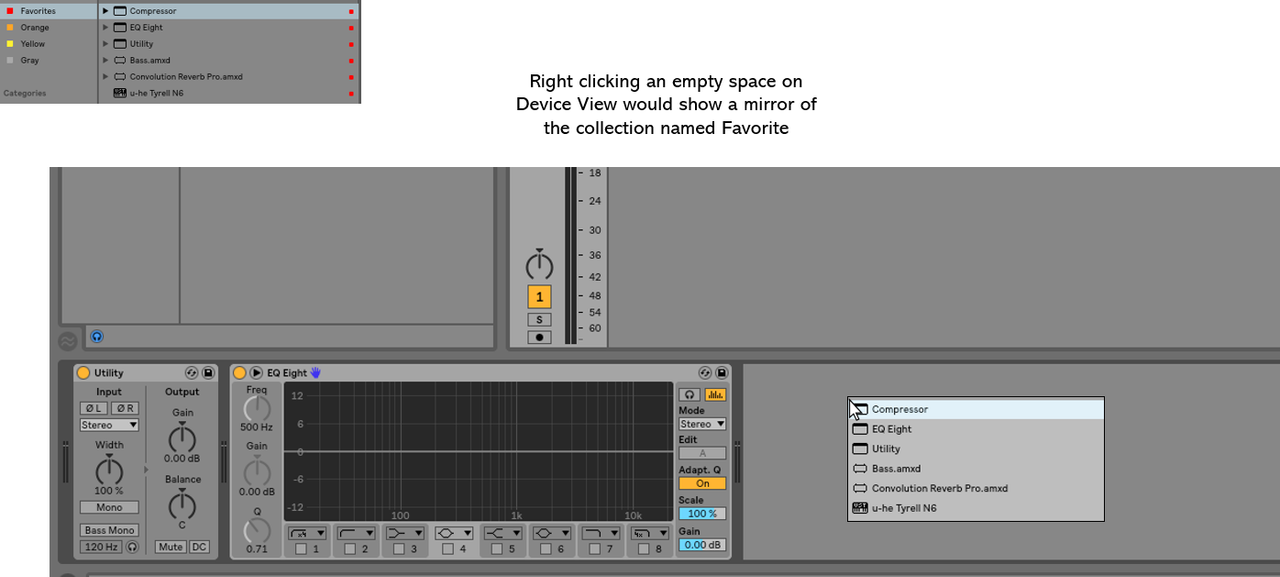
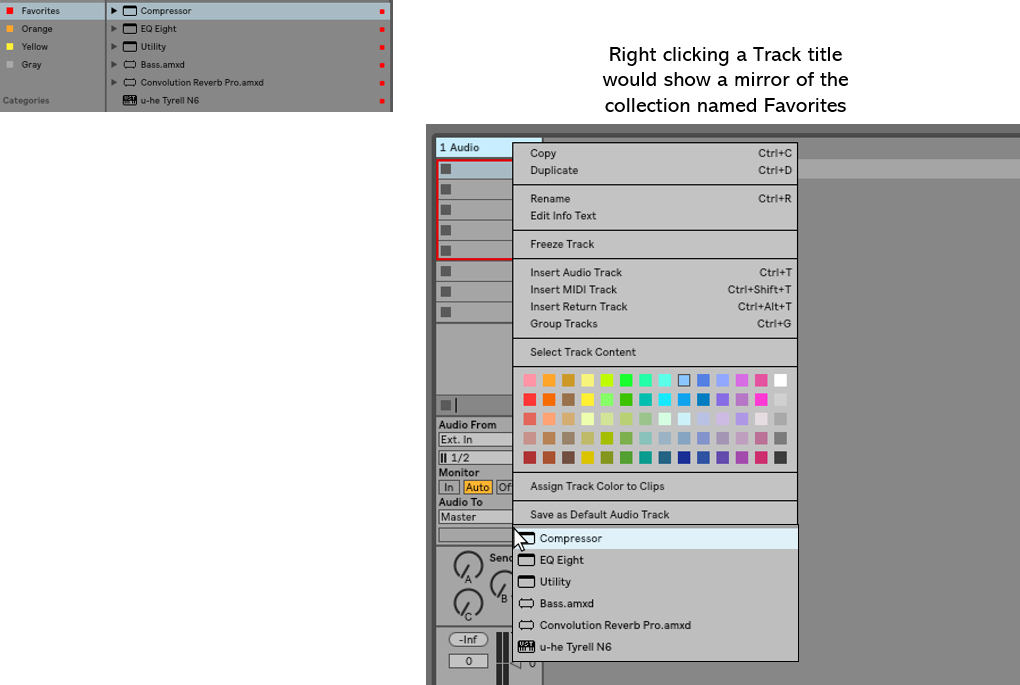
 I have two questions;
answers in bold.G-Pop wrote:Man! Now this is exciting to me!
But as a Newb...
1. How do you create this "Favorites" list and where?
(User Library? Places? Where???)
you can add locations to Places by clicking the + add button and browsing to the folder or adding a path. There is no Favorites (yet), that's what the OP was getting at.
2. How do you ASSIGN the right click to SHOW this list.
Ableton have to do it... hence post in Feature Wishlist
3. ok ok I said two but I forgot!)
What's with the color swatch and what do they do?
I formerly only assigned colors to tracks and clips...
I use it to make all vocals tracks one color, all drums tracks another color, all guitars, all bass, etc., etc. different colors so that I can tell at a glance where audio is coming from or simply find them easier in the mix
LoopStationZebra wrote:it's like a hipster commie pinko manifesto. Rambling. Angry. Nearly divorced from all reality; yet strangely compelling with a ring of truth.
