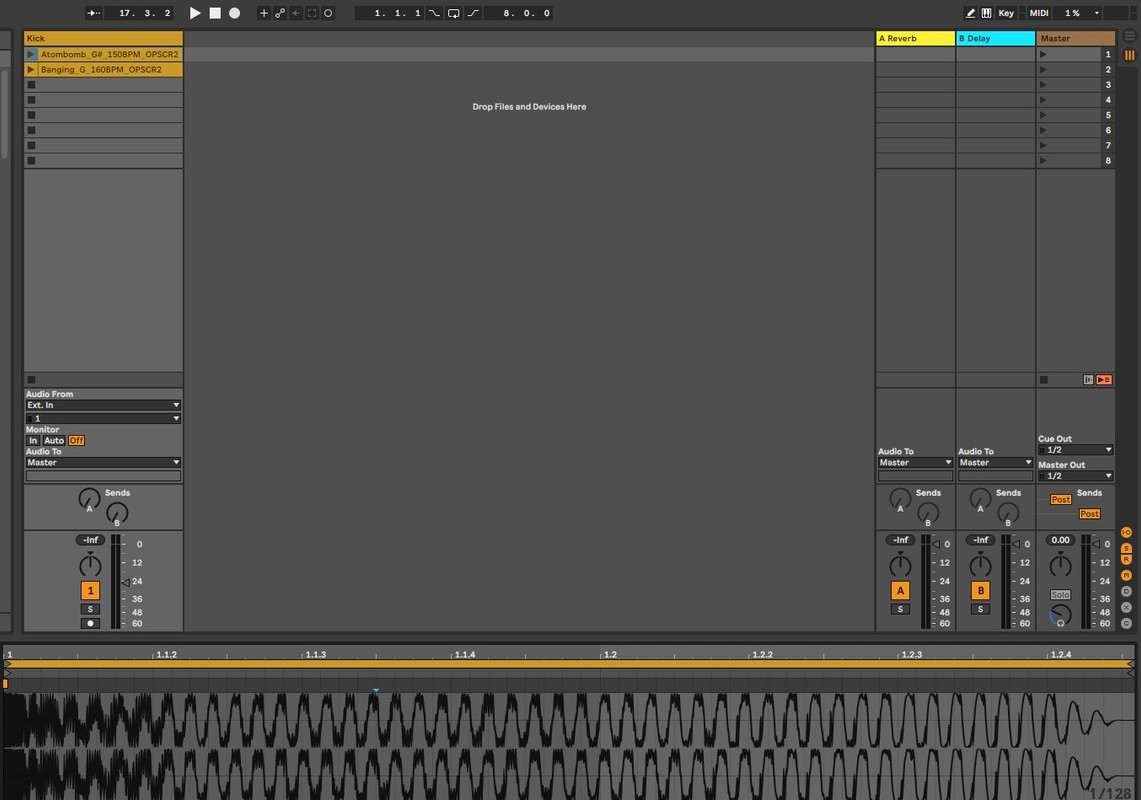
Need a bit of help to make my workflow easier.
Here you can see I'm in Session View. I have added two audio clips. Now In the Clip View Selector tab, you can see the grid is set by default to 'Narrow'.
Is there a way to change this default into another grid size upon importing an audio clip?
At the moment I have to manually change the grid size for each audio clip. In my case I have to do this for 50 audio clips so doing this manually is not efficient.
Any help is much appreciated.
Thanks