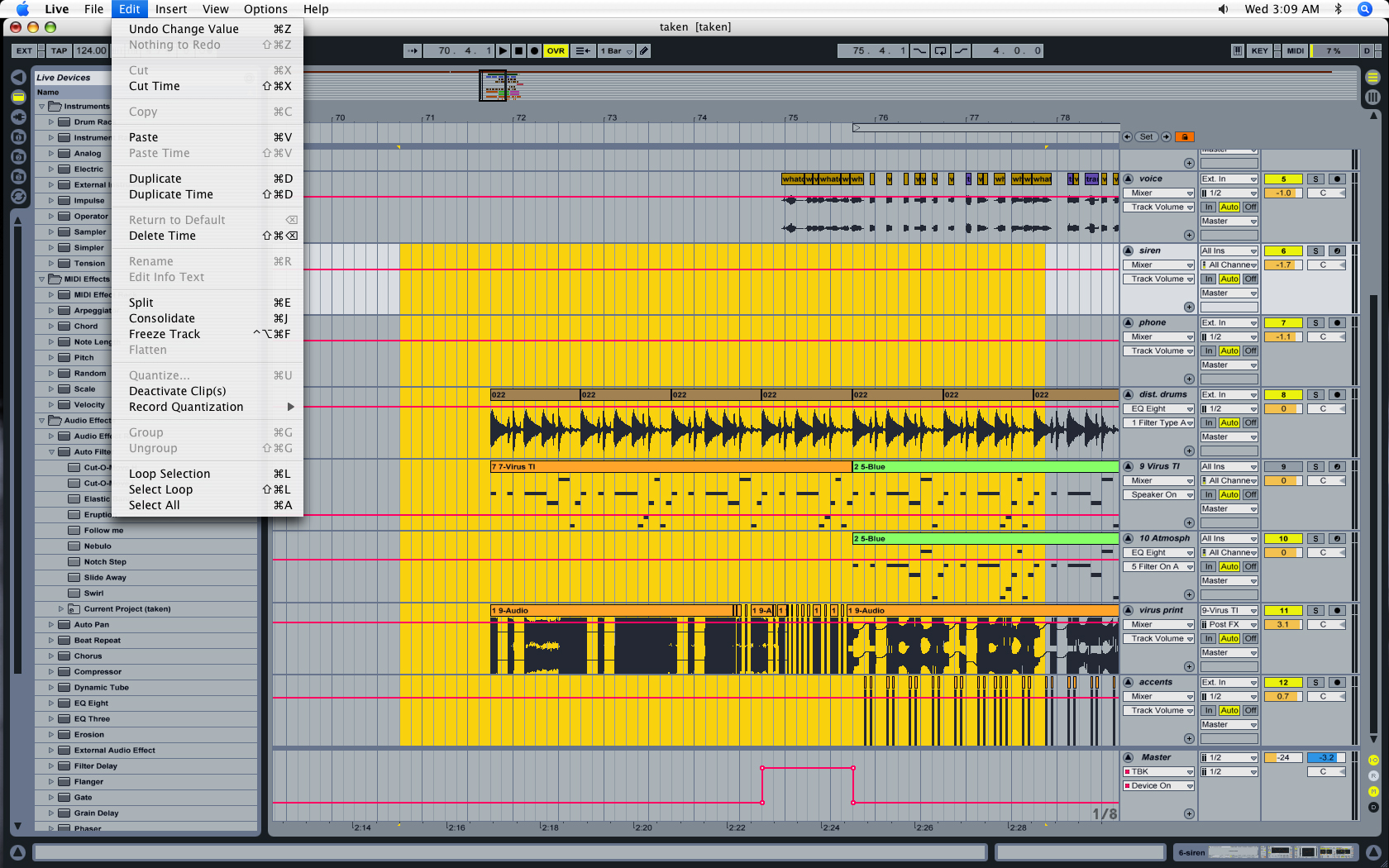
I have no clue how or why it happens, but it has happened to me three times since upgrading to Live 7. After a project has been open for a couple of hours (which happens a lot for me), I can no longer use copy or paste. I can't do keyboard shortcuts and I can't use edit>copy or edit>paste. It's possible that coming back from having a screen save on does this, I don't know, either way it continues to happen. I've included a screen shot to show you what I mean. Notice the large selected area and the grayed-out 'Cut' and 'Copy' in the edit menu. There is video in this file, I don't know if that has anything to do with it or not.
At any rate, the only way I can get it to stop doing this is to close Live and reopen it.