I'm using a Live purely as a live processor /looper. i.e. effects processing, VSTi's, and a few loopers, but absolutely no "clips" at all.
I build each performance from scratch, looping/layering several instruments played without ever stopping. This all works great, but I'd also like to record each performance as it evolves.
Normally, the Global Record button should make this easy to do. Unfortunately, it doesn't work with Loopers, only clips.
Can anyone suggest any other options or workarounds?
I'm thinking I could route a mix to another program, but that's a last resort.
I also thought maybe I can record the entire performance into a clip. But the problem is that I can't fire the clip at the start because it is essential that my first loop sets the tempo. Perhaps I could put up with missing out on recording the very first loop, i.e. as soon as first loop is done, start recording a new clip that takes the entire mix as the source, and then continue looping. This is workable, but still... it would be a stereo mix whereas Global Record if it just worked would give me multi tracks, able to be mixed still.
Global record of Loopers
Re: Global record of Loopers
trhe Voxengo recorder sits on your master channel and
record it's thruput with upt to 32bit into one file.
the thing it's free and it has never let me down since
i use it. recommended.
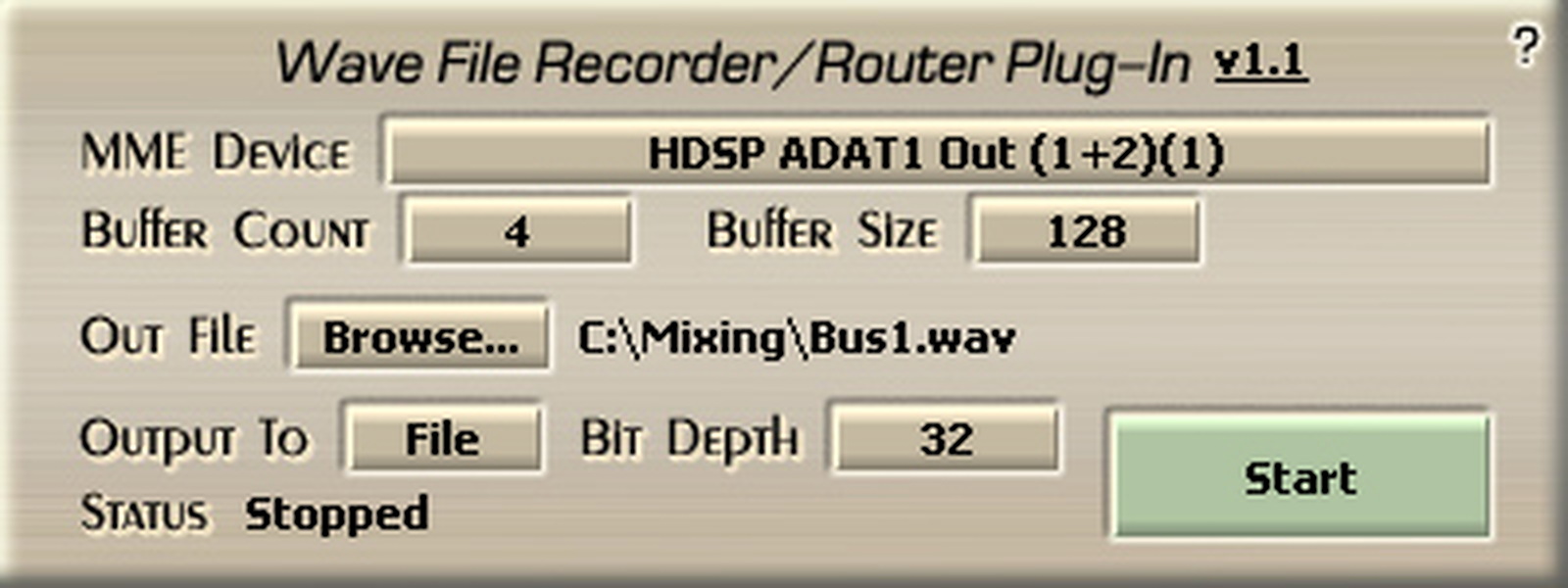
http://www.voxengo.com/product/recorder/
record it's thruput with upt to 32bit into one file.
the thing it's free and it has never let me down since
i use it. recommended.
http://www.voxengo.com/product/recorder/
Re: Global record of Loopers
make another track set the input to "resample" or "master"
enable global record and perform.
you can get loco and do multi-track recording by making a monitor "in" track for each track
edit: didn't read your last paragraph
don't record into a clip, let it record into arrangement view. enable global record, use the looper to start the song and when transport starts running it'll be recording. again if you want multitrack, make a "monitor in" track for each track you want to mix seperately.
enable global record and perform.
you can get loco and do multi-track recording by making a monitor "in" track for each track
edit: didn't read your last paragraph
don't record into a clip, let it record into arrangement view. enable global record, use the looper to start the song and when transport starts running it'll be recording. again if you want multitrack, make a "monitor in" track for each track you want to mix seperately.
2.4 ghz Macbook Pro 8gb RAM, SSD, Live 9 Suite, Puremagnetik, Minimal Talent
-
samplehead
- Posts: 99
- Joined: Thu Feb 15, 2007 4:27 am
Re: Global record of Loopers
Thanks, I think the plugin on Master idea will suit best. I tried the other suggestions but there are a few problems with recording into arrangement view and using live loopers. Firstly upon playback, the tracks that are recorded playback fine, but the loopers play garbage. So I need to "clear" them first. Secondly, when I press stop any looper, the transport control is set back to 0. So If I'm doing a performance, I want to record from start to end not be back at the start of the set...
I'll give up the flexibility of been able to remix the perfomance later, and record just the stereo mix off the master.
Unfortunately that Voxengo Recorder has no Mac version, any other recommendations?
I'll give up the flexibility of been able to remix the perfomance later, and record just the stereo mix off the master.
Unfortunately that Voxengo Recorder has no Mac version, any other recommendations?
Re: Global record of Loopers
the loopers have a control where you set it to start and stop song
don't set it to stop song, and stopping should not effect the transport.
once you've recorded your multitrack bit, the loopers are useful, but the other tracks contain exactly what just happened, so you can edit it.
don't set it to stop song, and stopping should not effect the transport.
once you've recorded your multitrack bit, the loopers are useful, but the other tracks contain exactly what just happened, so you can edit it.
2.4 ghz Macbook Pro 8gb RAM, SSD, Live 9 Suite, Puremagnetik, Minimal Talent
-
samplehead
- Posts: 99
- Joined: Thu Feb 15, 2007 4:27 am
Re: Global record of Loopers
Thanks = that should work. Except did you mean the loopers are "NOT useful"? i.e. when I have anything recorded into arrangement, the Loopers seem to playback garbage.
Re: Global record of Loopers
ha! you mean to you the word "useful" doesn't mean "useless"? sorry bout that.
i hope it works! im about to record my thang too so i've been thinkin about it
i hope it works! im about to record my thang too so i've been thinkin about it
2.4 ghz Macbook Pro 8gb RAM, SSD, Live 9 Suite, Puremagnetik, Minimal Talent
-
samplehead
- Posts: 99
- Joined: Thu Feb 15, 2007 4:27 am
Re: Global record of Loopers
hmmm, that still doesn't quite work, because after the performance has started and stopped, I then wish to start tbe next piece, but because the transport is still running, the new first loop can no longer set tempo....
Re: Global record of Loopers
Are u looking the record a live performance?
I'd go stereo there, but multi-track in the studio where u can start and stop whenever u want
I'd go stereo there, but multi-track in the studio where u can start and stop whenever u want
2.4 ghz Macbook Pro 8gb RAM, SSD, Live 9 Suite, Puremagnetik, Minimal Talent
-
samplehead
- Posts: 99
- Joined: Thu Feb 15, 2007 4:27 am
Re: Global record of Loopers
I'm looking to address for both live and studio recording, and am happy to just go stereo for live recording. But doesn't that still not work? i.e. the transport will already be running for the 2nd "song" and hence the first loop sets tempo will not work. Or did you, live use the plugin on the master bus to capture the mix? (problem with that is that I'm on a Mac and can't find any plugin that'll do this, I tried routing to Garageband which works, but quite a bit of extra system load plus no midi mapped control).
Re: Global record of Loopers
for "live" i'd get a snowball and a friends mac and throw it up in the room. make a legit "live" recording ya know?
yeah i can see how this is a problem, you kinda need a whole seperate system from live to record. So maybe another computer and go from your audio interface directly into another audio interface on a friends machine.
A pain i know, but prolly easier in the long run.
yeah i can see how this is a problem, you kinda need a whole seperate system from live to record. So maybe another computer and go from your audio interface directly into another audio interface on a friends machine.
A pain i know, but prolly easier in the long run.
2.4 ghz Macbook Pro 8gb RAM, SSD, Live 9 Suite, Puremagnetik, Minimal Talent
-
bosonHavoc
- Posts: 1936
- Joined: Wed Sep 19, 2007 8:34 am
- Location: Austin, Texas
- Contact:
Re: Global record of Loopers
maybe look for a multi track digital hard disk recorder
and if you have some digital outs on your interface you can skip the da/ad conversions
and if you have some digital outs on your interface you can skip the da/ad conversions

Re: Global record of Loopers
samplehead wrote: But doesn't that still not work? i.e. the transport will already be running for the 2nd "song" and hence the first loop sets tempo will not work.
I don't understand that sentence. You are running something into looper, and you've got a performance that you are recording. You start looping, you are looping at a certain tempo. That is the tempo of the 'song'.
If you want to start a new 'song' at a new tempo, then why does the tempo of the first song matter?
UTENZIL a tool... of the muse.
-
samplehead
- Posts: 99
- Joined: Thu Feb 15, 2007 4:27 am
Re: Global record of Loopers
Because in order to record the entire performance, the transport need to keep running the whole time. So when the first song is done, the loopers are cleared, and I go to start the next song, now the transport is already running so the looper can no longer set the tempo? (or maybe it still can I'll have to double check).
-
pepezabala
- Posts: 3503
- Joined: Mon Jun 07, 2004 4:29 pm
- Location: In Berlin, finally
Re: Global record of Loopers
looper has a buffer and this buffer gets loaded with everything you play into this buffer. Unfortunately looper doesn't "remebmber" which parts came first and thus is unable to reporduce the looper performance if you record into arrangement.
If you want to record your looper performance into arrangement, then the only way is to set up a second channel below looper, set it to record the output of the looper channel, monitor off. arm it an record a channel full of looper performance.
when reproducing your recorded arrangement you will have to mute the looper channel, otherwise it will reproduce the latest status of the buffer right from the start.
If you want to record your looper performance into arrangement, then the only way is to set up a second channel below looper, set it to record the output of the looper channel, monitor off. arm it an record a channel full of looper performance.
when reproducing your recorded arrangement you will have to mute the looper channel, otherwise it will reproduce the latest status of the buffer right from the start.