
Is there a way to get more than 20 clip slots in one track.
-
sparklepuff
- Posts: 3300
- Joined: Sat Apr 22, 2006 4:54 am
- Location: Brooklyn
Re:
Last edited by sparklepuff on Sat Aug 18, 2012 10:51 pm, edited 1 time in total.
Guitar | Synths | Samplers | Ableton @ Phantogram & Big Grams
-
pepezabala
- Posts: 3503
- Joined: Mon Jun 07, 2004 4:29 pm
- Location: In Berlin, finally
Re:
the_planet wrote:PC: CTRL+I
Mac: CMD+I
also if you duplicate a clip on the bottom end of the existing clip slots, it will generate a new scene.
Duplicate: CTRL+D / CMD+D
Re: Re:
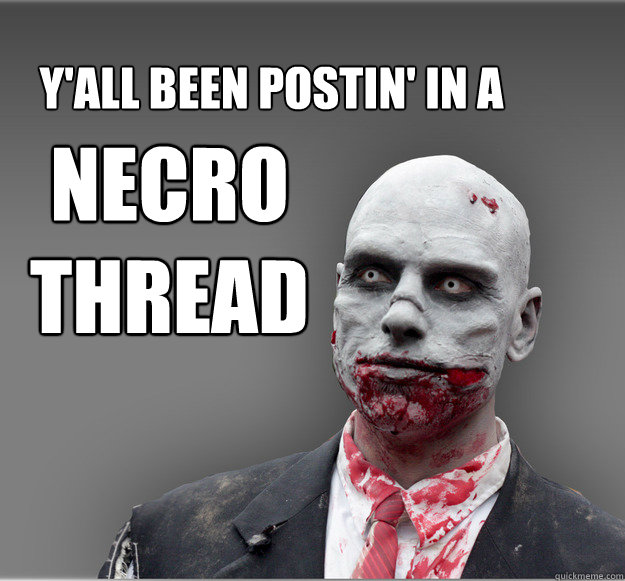
yeaaahh, and he also posted this thread on Sep 07, 2007sparklepuff wrote:He joined the forum August 23, 2007Johnisfaster wrote:I get what the problem was, the term scene is understandibly foreign to someone who is new to live.
-
Muzik 4 Machines
- Posts: 769
- Joined: Thu Oct 22, 2009 9:35 am
Re:
he didnt say no cause the answer is yes and can be found at the start of the manual, the limit in infinite, but you can remote on only the 1st 1000mohler wrote:I know we like to be helpful round here but couldn't you have said "no"!!!!Johnisfaster wrote:dude.....
read the manual for gods sake.

Re: Is there a way to get more than 20 clip slots in one track.
dear funken and ShellUser
this is a frigging old topic [from 2007], wouldn't it deserve to die in peace?
You're just a band of silly bastardos Necrobumpers
For christ' sake let it die in peace
this is a frigging old topic [from 2007], wouldn't it deserve to die in peace?
You're just a band of silly bastardos Necrobumpers
For christ' sake let it die in peace