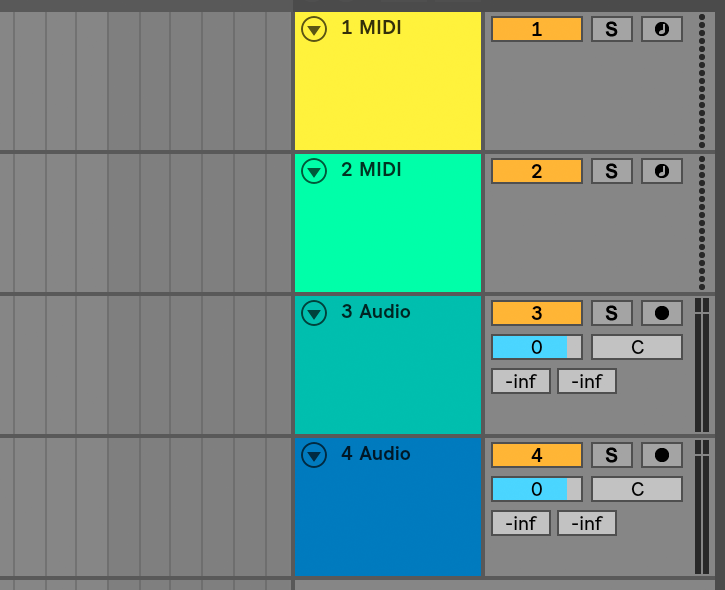
Lack of a real mute button per tracks
Posted: Wed Sep 05, 2018 4:24 am
OK,
I've had enough of deleting my track on/off automation or creating a new track, when, for instance, I want all the vocals already done muted.
Someone explain to me how I mute ten tracks of vocals without losing the on/off automation.
I guess I just figured it out. Group all those tracks, and TURN OFF (NOT MUTE) that. I don't know, seems kind of dumb not to have a mute button on every track right next to the solo button. Kind of a basic DAW requirement.
I've had enough of deleting my track on/off automation or creating a new track, when, for instance, I want all the vocals already done muted.
Someone explain to me how I mute ten tracks of vocals without losing the on/off automation.
I guess I just figured it out. Group all those tracks, and TURN OFF (NOT MUTE) that. I don't know, seems kind of dumb not to have a mute button on every track right next to the solo button. Kind of a basic DAW requirement.